
SaaS
SaaS Pricing Strategies That Maximize Revenue
Learn proven pricing models and tactics to optimize your SaaS revenue.
We use cookies to enhance your browsing experience and analyze our traffic. By clicking "Accept", you consent to our use of cookies. Learn more
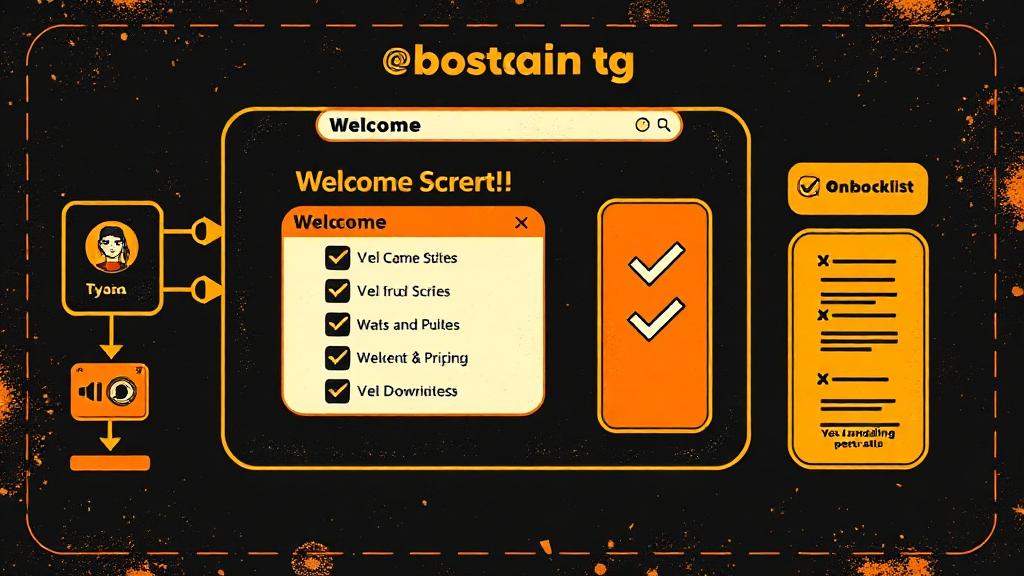
Create onboarding experiences that drive activation and reduce churn.
First impressions matter enormously in SaaS. Your onboarding experience determines whether new users become long-term paying customers or churn within the first week. Studies consistently show that users who successfully complete onboarding and reach their first "aha moment" are dramatically more likely to convert and retain.
Users make rapid judgments about whether your product is worth their time. In those first few minutes, you need to communicate value, build confidence, and create momentum. The goal is to get users to their first meaningful success as quickly as possible.
Quick time-to-value means removing every obstacle between sign-up and that first win. Pre-fill forms where possible, skip non-essential setup steps, and guide users directly to the core action that demonstrates your product's value. If your product helps teams collaborate on documents, get them creating their first document within minutes, not configuring settings.
Clear next steps eliminate decision paralysis. Users should never wonder what to do next. Use progress indicators, explicit calls to action, and contextual prompts to guide users through the initial experience. When users feel confident about the path forward, they're more likely to continue.
Overwhelming users with everything your product can do leads to cognitive overload and abandonment. Progressive onboarding reveals functionality gradually, matching the user's growing familiarity and needs.
On day one, focus exclusively on core functionality. Help users complete essential setup tasks, achieve one quick win, and understand the main value proposition. Everything else can wait. If you're building a project management tool, day one is about creating their first project and adding a few tasks, not exploring advanced reporting.
During the first week, introduce deeper engagement opportunities. This might include exploring additional features, setting up integrations with other tools, or inviting team members. Each expansion should feel natural based on what users have already accomplished.
By the end of the first month, users who have engaged consistently are ready for power user features. Advanced configurations, custom workflows, and sophisticated analytics become relevant once users have established a foundation of regular usage.
Different onboarding patterns serve different purposes, and the best onboarding experiences often combine multiple approaches.
Checklists provide visual progress indicators that motivate users to complete setup tasks. There's psychological satisfaction in checking off items, and checklists make the onboarding journey feel finite and achievable rather than endless.
Tooltips and hotspots offer contextual guidance at the point of need. Rather than explaining features before users encounter them, tooltips appear when users are in the relevant context, making the information immediately applicable and memorable.
Empty states transform blank screens into opportunities for education and action. When a user opens a feature for the first time, the empty state can explain what the feature does, show examples, and provide a clear call to action to get started.
Sample data helps users understand value immediately without requiring them to input their own data first. Pre-populated templates, example projects, or demo content let users experience the product's capabilities before investing their own time in setup.
What gets measured gets improved. Tracking onboarding metrics reveals where users struggle and where improvements would have the greatest impact.
Time to first value measures how long it takes new users to complete their first meaningful action. Reducing this metric typically improves activation and retention. Setup completion rate shows what percentage of users finish onboarding, and where in the flow users drop off indicates friction points.
Feature activation rate tracks whether users discover and use key features that correlate with retention. If users who use a specific feature are much more likely to retain, onboarding should prioritize guiding users to that feature.
Seven-day and thirty-day retention rates show whether onboarding successfully creates engaged users who return. If activation is high but retention is low, users may be completing onboarding without truly understanding the product's value.
Not all users have the same needs, and personalized onboarding delivers better results than one-size-fits-all approaches.
Tailor onboarding based on user role, distinguishing between administrators who need to configure the system and team members who just need to use it. Different use cases may warrant different onboarding paths, as a marketing team and an engineering team might use the same product very differently.
Company size influences onboarding needs, with enterprise customers requiring different setup and training than small teams. Experience level matters too, as power users can skip basics while novices need more guidance.
Learn proven pricing models and tactics to optimize your SaaS revenue.
Identify early warning signs and implement retention strategies that work.
Create a customer success framework that drives retention and expansion.
Let's discuss how we can help bring your vision to life.